An optional, faster route
Custom website design is my main work. Every custom site is planned, written and designed for one business. Templates are a separate product for a business that fits a trade I know well and wants a finished structure to start from. A template is not a lesser version of a custom site. It is a different route, and it does not suit everyone.
What a Wix Studio template is
A Wix Studio template is a complete website you open in the Studio Editor and make your own. The pages, layouts, navigation, forms and content structure are already built. You replace the demo business with yours.
It is different from a classic Wix template in how it handles screen sizes. In the classic Wix Editor you design the desktop site and Wix generates a separate mobile version that you adjust on its own. In the Studio Editor a page is designed across breakpoints, which are ranges of screen width. Changes made on a larger breakpoint carry down to smaller ones, and elements resize with the screen. One design covers desktop, tablet and phone.
One thing is the same on both: Wix does not let you swap the template of a site that already exists. A template is a starting point for a new site, so it is worth choosing one built for your trade.
Why my templates are CMS-driven
Most templates give you a handful of static pages with placeholder text. Mine are built on the Wix CMS. Services, towns and other repeating content live in collections, and dynamic pages turn each collection item into its own page with its own URL. You design a page type once. To add a service or a town, you add a row.
That matters for a service business because local search is won page by page. A company that works in forty towns needs more than one "service area" paragraph, and nobody wants to hand-build forty pages.
Who a template suits, and who it does not
A template suits you when:
Your business fits the trade the template was built for
You want to start from finished pages and copy, not a blank page
You or someone on staff is comfortable editing text and photos in a website editor
You are starting a new site, or replacing one that has little search traffic to protect
Your deadline is close and the structure matters more than a one-of-a-kind design
A custom website is the better choice when:
You have an existing site with rankings and many URLs that need careful redirects
Your services, brand or booking process do not match the template's layout
You need integrations, or a franchise structure with rules about what each location can change
You want a design that belongs only to your business, with the copy written for you from scratch
Your site runs on another platform and you want to stay there. These templates are for Wix Studio only.
If you are not sure, ask. I will tell you plainly if the template is enough.
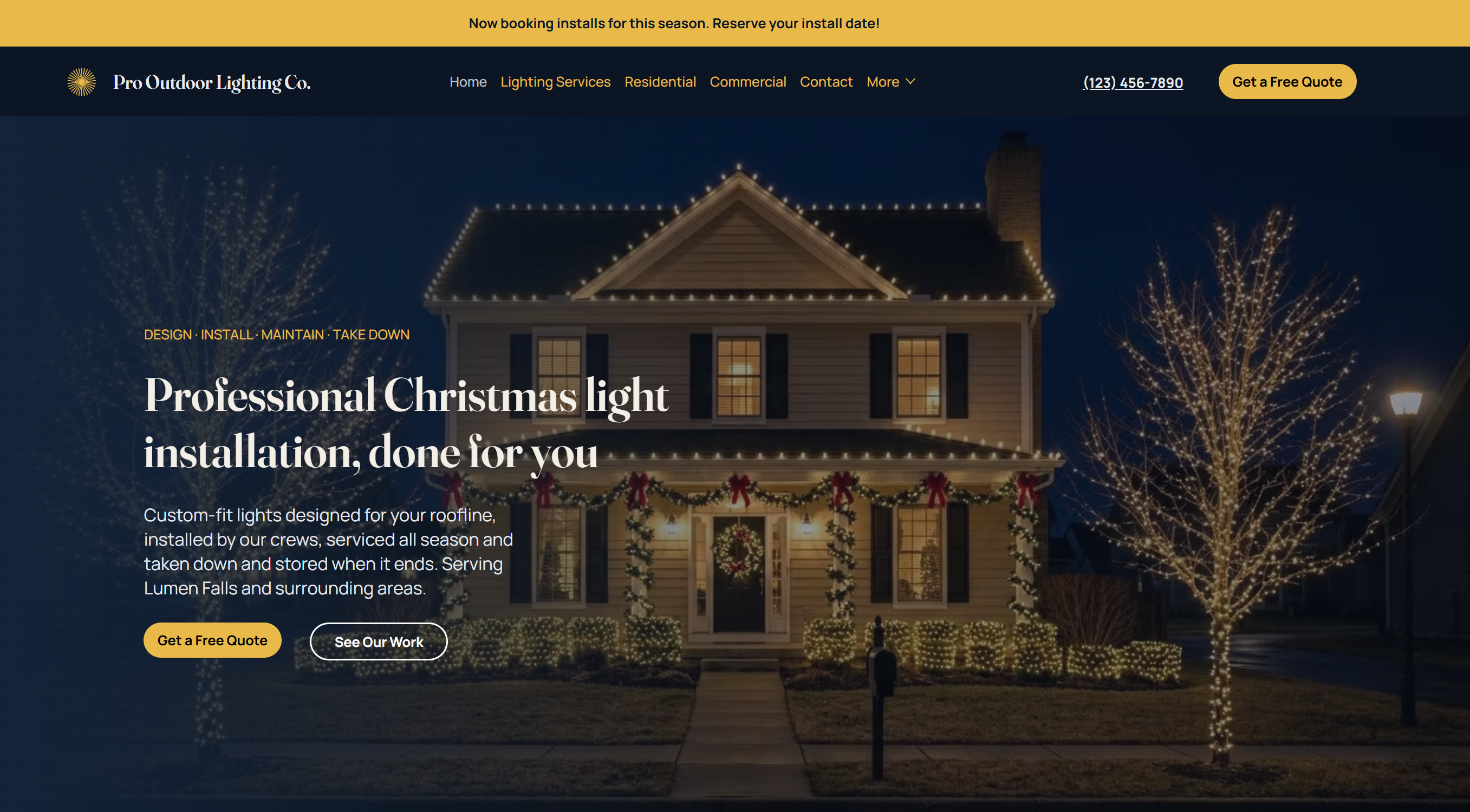
The Outdoor and Holiday Lighting Company template
The first template is for Christmas light installers and for permanent, landscape and string lighting companies. I have built websites and SEO for more than 50 lighting companies, and I spent a year inside one handling sales, scheduling and service calls. The template is organized the way those customers actually shop: by service, by town and by the photo of their own house.
86 pages in total: 11 designed pages and 6 CMS page templates that drive 75 demo pages, with lighting industry copy already written
A quote form with property type, address and photo upload, so a customer can send a picture of the property with the request
SEO title and description fields on every CMS item
Breadcrumbs and related-page links on every CMS page
A built-in setup guide, hidden from visitors and search engines, with eight topics and 34 short how-to cards
Layouts for desktop, tablet and phone
The template is sold directly for $229. You need your own Wix account, plan and domain to publish it. See the full details on the Outdoor and Holiday Lighting Company template page.
What each page type is for
Audience pages: Residential, Commercial, HOA and Municipal. A homeowner, a property manager, an association board and a town buy lighting for different reasons. Each gets a page that speaks to its own concerns and leads into the services.
Service lines and services. Six service lines, each with its own detail pages, so a search for one specific service lands on a page about that service.
Lighting applications. Pages for specific uses of lighting, for customers who search by what they want lit.
Industries. Pages for the kinds of commercial customers you want, so a business owner sees their own type of property.
Occasions. Pages for the events and seasons that bring in lighting work outside the main holiday rush.
Service areas. A page per town, linked from a service area hub, for local searches.
FAQ and Contact. Answers to the questions that hold up a quote request, and the quote form itself.
Editing a CMS-driven template, step by step
Editing this kind of template is closer to filling in a spreadsheet than designing pages. The order below is the one I use.
Set the brand once. In the Studio Editor, change the logo, colors and fonts. Because the pages share one design, the change carries across the site.
Replace the business details. Company name, phone, email, hours, map and social links.
Open the CMS. Each collection is a table. Each row is an item, and each item is a page. Each column is a field, such as a title, a paragraph, a photo or an SEO description.
Edit the demo items. Rewrite the services you offer and remove the ones you do not.
Add your towns. Add a row for each town. Wix creates a new address for each item automatically. A long list can be imported from a CSV file, where you match each column to a field. Take care when importing into a collection that already has content: Wix warns that an existing field left unmatched has its values erased.
Fill in the SEO fields. Give every item its own title and description. On dynamic pages, Wix builds the title and description tags from variables tied to collection fields, so what you type in the row is what appears.
Swap the photos. Use your own installs, with alt text that describes each one.
Test and publish. Send a test quote request with a photo, check the site on a phone, connect your domain and publish.
The demo copy is written to be edited, not published as is. Search engines and customers both respond to pages that describe your real work in your real towns, so plan time to rewrite the parts that matter most.
Done-for-you setup, and a rush route for seasonal businesses
If you would rather not do the setup, I can do it. You send your logo, photos, services and town list. I build your site on the template, load your towns and services into the CMS, write the page titles and descriptions, connect your domain and test the quote form.
Because the structure already exists, this is also the quickest way I can put a lighting company online. When the deadline is real, such as a site that has to be live before the holiday selling season, a template with done-for-you setup is the route I suggest first. Expedited timelines are available. Tell me the date when you get in touch.
How a template site grows into location pages
The service area collection is the start of a location page system. Adding towns is adding rows, and Wix lets one dynamic page design serve thousands of items, each at its own address.
The limit is content, not software. Google's spam policies treat pages aimed at different cities that only funnel visitors to one page as doorway abuse. A town page earns its place when it says something true about your work in that town: the services you offer there, the neighborhoods and property types, photos of local jobs. Start with the towns where you already work most, write those well, then add more.
When the list runs to many towns across several services, the work becomes programmatic SEO, which I do for single companies and for multi-location and franchise brands. Local SEO covers the Google Business Profile and the rest of the local picture.
More trade templates are planned
Lighting is the first template because it is the industry I know best. Templates for other service trades are planned, built the same way: CMS-driven, with trade-specific copy and a setup guide.
Questions before you buy
I am based in Seekonk, Massachusetts, and work with businesses across the United States and Canada. Call or text 508-244-0403, email joshua@websitedesignma.com, or use the contact page. I reply within 24 hours.